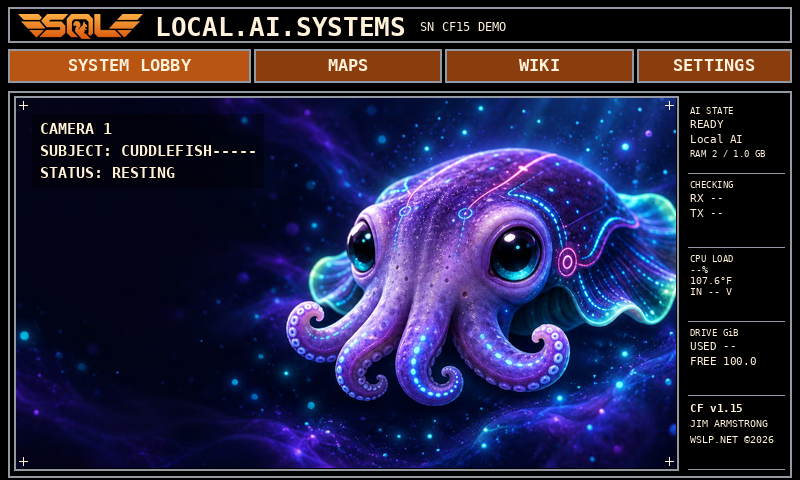
Orange pairs a black canvas with fine gray lines and orange controls. Purple keeps the original character of the interface. Choose either from Advanced Settings.
Orange System LobbyThe current black canvas, orange SQL mark and controls, and fine gray outlines.Orange SettingsAdvanced Settings and System Info lead the grid, with About and View Logs beneath.Advanced SettingsChoose Orange or Purple; voice, jokes, and ambient controls share the two-column grid.Purple remains availableSwitch back to the familiar purple palette whenever you like.
Interface previews show example device status; the layout and theme come from the CF v1.15 Pi build.
Cuddlefish / in motion and on screen
A companion. Not just a conversation.
There’s something lovely about a little company. Enjoy Cuddle in motion, then make the next conversation a tap away.
Earlier CF v1.2 footage · silent playback
Display-only mode
A little company. Just because.
Let Cuddle fill the screen with flowing fins, gentle motion, and luminous color. Keep him nearby while you work, read, or unwind. Triple-tap the animation to bring the controls back whenever you’re ready.
CF v1.15 · Orange theme interface preview
The CF v1.15 System Lobby
Ready when you are.
Cuddle stays front and center, with Talk tucked into the lower-right corner. Tap to begin a voice conversation, tap again to finish, and hear his reply through your chosen audio setup.
New in the CF v1.15 experience
Less typing. More talking.
A small control. A simple rhythm. Cuddle stays in view while the conversation unfolds.
01 / TAP TO TALK
Your turn.
A rising tone signals the start. The microphone listens when you choose—not continuously in the background.
02 / TAP TO FINISH
Send your thought.
The listening symbol changes as you speak. Tap again when you’re finished; a falling tone marks the end.
03 / HEAR THE REPLY
Let the idea unfold.
Cuddle thinks, then answers aloud. Tap the control during the reply to stop it, and begin again when you’re ready.
Character is part of the experience
A little wonder. Every time you look.
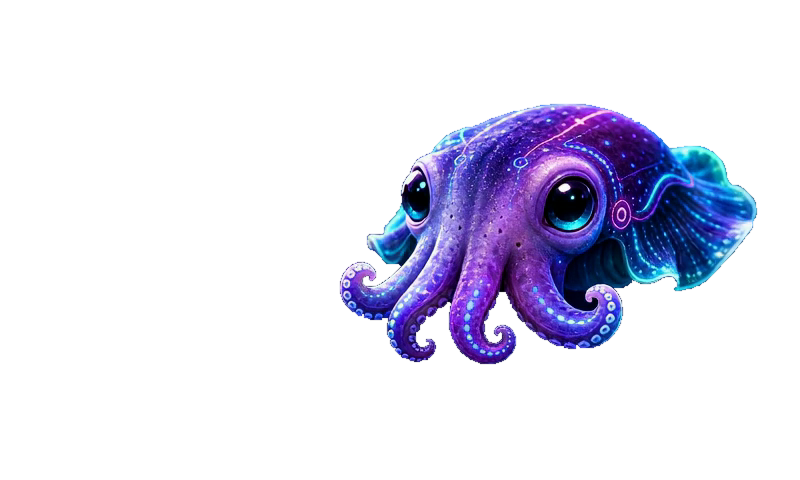
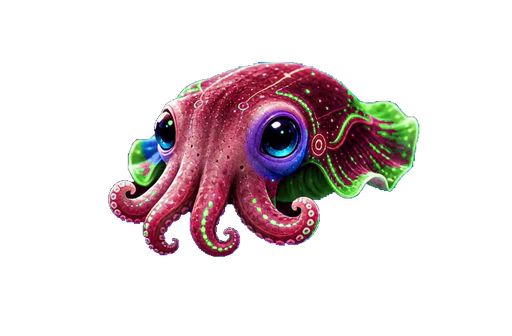
Curious eyes. Flowing fins. Ripples of color. Cuddle brings an expressive presence to your next question.
Curiosity has a face.
A familiar companion at the center of the experience.
Color with character.
Luminous details and shifting hues make room for a little wonder.
Always a little Cuddle.
Gentle movement gives the interface a personality of its own.
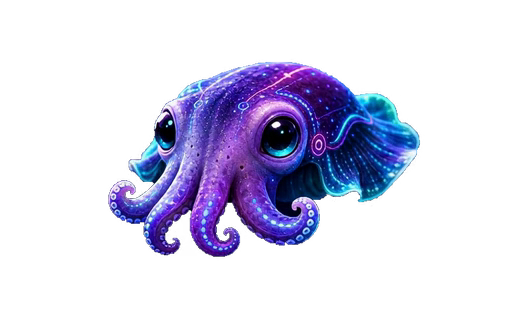
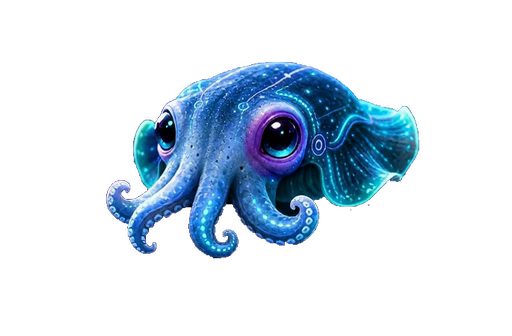
Stills from Cuddlefish’s animation collection. Explore the moving character at the top of this page.
The CF v1.15 feature collection
Meet your next “I wonder…”
More than a friendly face: a collection of useful ways to ask, learn, explore, and continue the conversation.
01 / Talk naturally
A conversation, one tap away.
Tap the microphone over Cuddle’s animation, ask your question, then tap again to finish. Hear the reply through your connected speaker—with no need to open a separate chat screen.
02 / Keep the thread
Pick up where you left off.
Follow-up questions can draw on relevant conversation history saved locally. Change direction, ask for more detail, or return to an idea without starting every exchange from scratch.
03 / Hear the difference
A smoother spoken rhythm.
Speech begins as the response becomes ready, with a refined audio path that keeps the conversation moving. Short start and finish tones make the listening boundary clear.
04 / Make yourself heard
Your voice. Your audio setup.
Use a USB microphone and speakers, or a compatible Bluetooth headset or speakerphone. Manage connections in Settings and adjust local volume, mute, and a test sound. Your audio preferences are saved.
05 / Knowledge close by
A library that comes along.
Explore installed Wikipedia, medical, dictionary, and travel collections without an internet connection. Follow article links or ask Cuddle for help, with the source still there to read.
06 / Go exploring
A world beyond the question.
Browse offline street maps across all 50 states, D.C., Puerto Rico, and the U.S. Virgin Islands. Find a city or region among more than 22,000 indexed places.
07 / Connected curiosity
Another screen. The same Cuddle.
Use a phone or computer on the network to explore the browser companion. Open map and library destinations there and bring them onto the Pi’s display.
08 / In the moment
Expressive, without the clutter.
Cuddle stays large and animated, with a compact Talk control over the video. Clear listening and processing symbols show what is happening; tap during a reply to stop it.
09 / Local-first
A little independence.
Conversation runs on the Pi, and saved context stays with the device. Installed maps and libraries work offline; fresh weather, news, and other online lookups need an internet connection.
At home on your desk
Small footprint. Room to connect.
A Raspberry Pi, a touchscreen, and a character you’ll want to keep in view. The 2 GB and 8 GB editions offer the same core Talk controls, with each AI setup tailored to its hardware.
Touchscreen conversationUSB + compatible Bluetooth audioPhone & browser companion
Also on the Mac
Just Cuddle. Just Talk.
A focused desktop companion puts Cuddle’s animation and the Talk button in one compact, fixed 800 × 480 window. Local conversation and optimized speech, with Cuddle front and center.
Built for focused voice conversations on your Mac.
Inside Cuddlefish
What makes Cuddle come alive.
Explore the Raspberry Pi, touch display, voice hardware, and local software behind the companion.
01:20 · Narrated short film · Captions includedJim Armstrong & Leonardo / October 2026
Read the film transcript
Cuddlefish began with a simple question. Could a small computer become something useful, expressive, and a little unexpected?
Working with Leonardo, I brought together three things I love: technology, art, and imagination. We started with character. Flowing fins, curious movements, and shifting colors gave Cuddlefish a personality before we asked him to answer a question.
Then came the engineering. A Raspberry Pi, a touchscreen, and solid-state storage became the foundation. Local artificial intelligence brought conversation. A microphone and camera opened new ways to interact. Maps, weather, and reference libraries connected those conversations to useful information.
Memory was another important piece. We built a place to keep conversations and retrieve relevant context, so each interaction could become part of a longer story.
It hasn't been a straight line. We've tested, listened, fixed problems, and tried again. The art guides the engineering. The engineering makes room for the art.
That's Cuddlefish. A collaboration between human curiosity and artificial intelligence. Still learning. Still growing. Still becoming.
Made with generated character animation, explanatory visuals, and an authorized AI-synthesized narration. Start the film when you’re ready, with sound, captions, and playback controls at your fingertips.
A few things you might wonder
Curious? Start here.
Does Cuddle need the internet?
Local conversation, installed reference libraries, offline maps, and place search can work without it. Fresh online information needs internet access. The browser companion needs a network connection to the Pi.
Is the microphone always listening?
No. Talk is on demand: tap to begin, then tap to finish. The start and finish tones and changing button symbols make the interaction clear.
Which audio devices can I use?
The Pi supports USB audio and compatible Bluetooth devices. For wireless voice conversations, choose a headset or speakerphone that supports a microphone/hands-free connection; not every Bluetooth speaker provides microphone input. Settings includes connection controls, volume, mute, and a test sound.
What makes CF v1.15 different?
Both Pi editions bring Joke to the upper-left and Tap to Talk to the lower-right of Cuddle’s full-screen animation. Choose the classic Purple look or Orange—with black backgrounds, fine gray lines, orange buttons, and an orange SQL logo—in Advanced Settings. The Network screen can retry saved Wi-Fi without rebooting. Local memory, flexible audio, weather, Moon, horoscope, offline maps, and reference libraries remain part of the experience.
Are the maps for driving directions?
They are offline street and reference maps for browsing and discovery, not turn-by-turn navigation or live traffic guidance.
Can I check Cuddle’s answers?
Yes—keep exploring the original articles and source material. Like other AI systems, Cuddle can make mistakes; an engaging answer is a starting point, not a guarantee.
Who is behind Cuddlefish?
Jim Armstrong and Leonardo bring together technology, art, and imagination. Follow Cuddlefish’s evolving story and discover its latest features here.
Created by Jim Armstrong & Leonardo
Technology with character. Curiosity without an ending.